
Yoga Teachers
Pre-build a class arc and move through it hands-free, from a calm full-screen player.

Music and Ambient Player that flows with you and your sessions.
Mandala Sessions puts the music and ambience of a whole class in your hands. Layer drones, bowls, melody and your own recordings into one evolving bed, then shape it live as the room shifts — lift the energy, settle into stillness, hold a moment longer. Lay out a full session in advance and move through it hands-free.
Built with JUCE 8 for macOS 11+ · currently version 0.1 (early access)
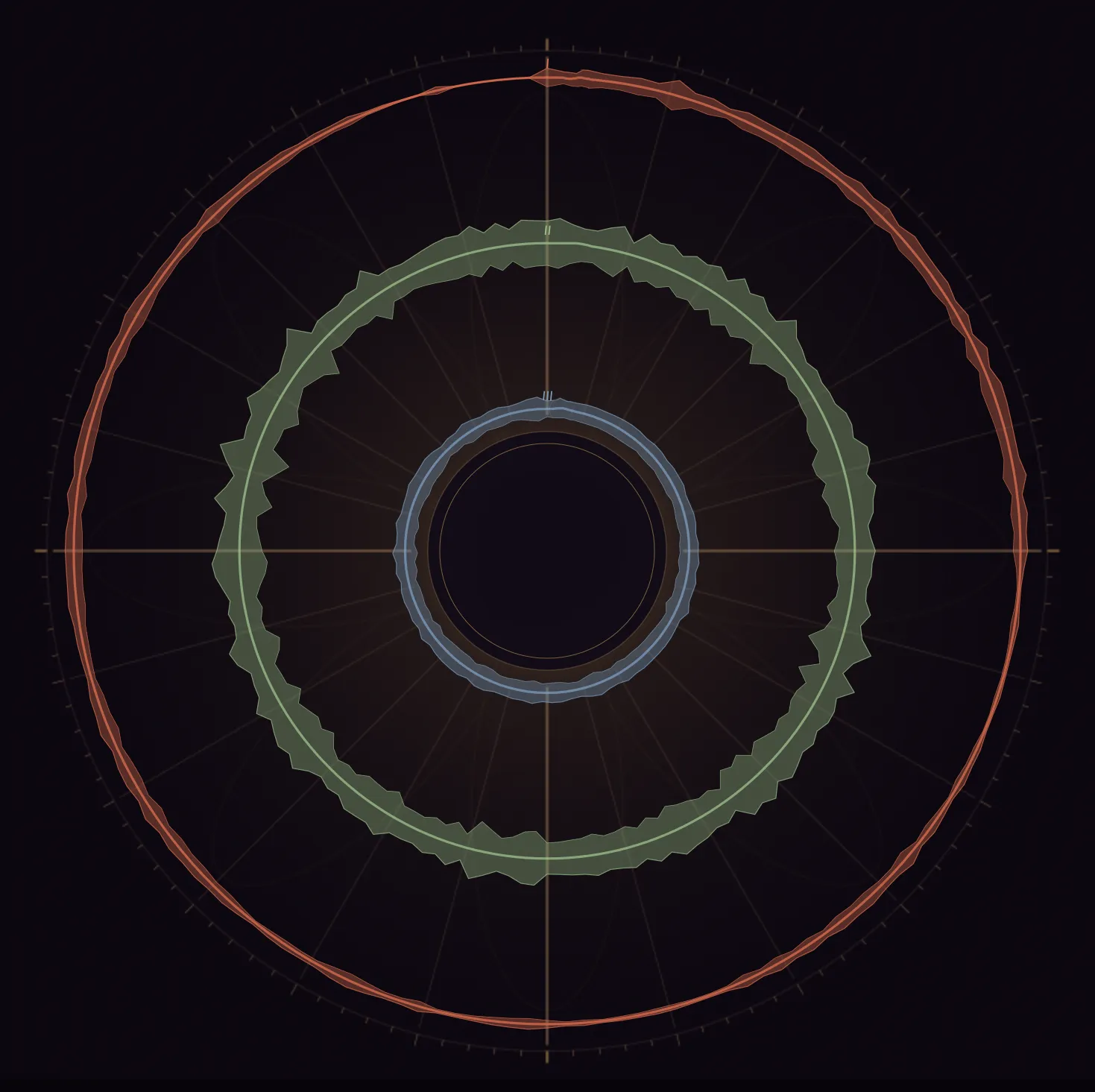
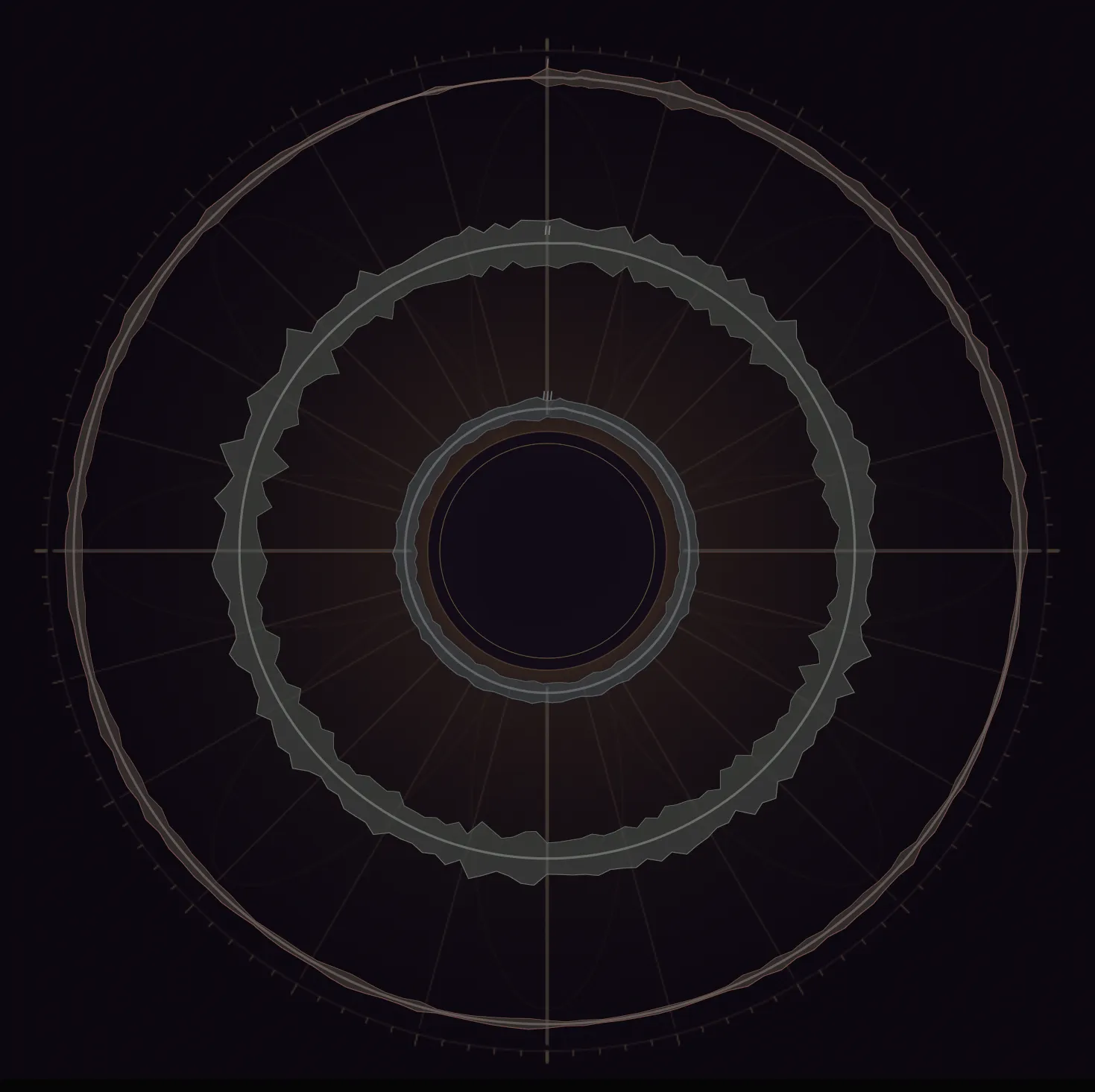
Most loopers are built around a click, bars and a grid. This one isn’t. Every loop is its own free length, crossfading seamlessly — so drones, bowls and breath evolve forever, without a seam.
Your loops become concentric rings around a single play button, each one breathing with the audio. Build the sound on the left, shape any layer on the right, and perform the whole thing with a tap.
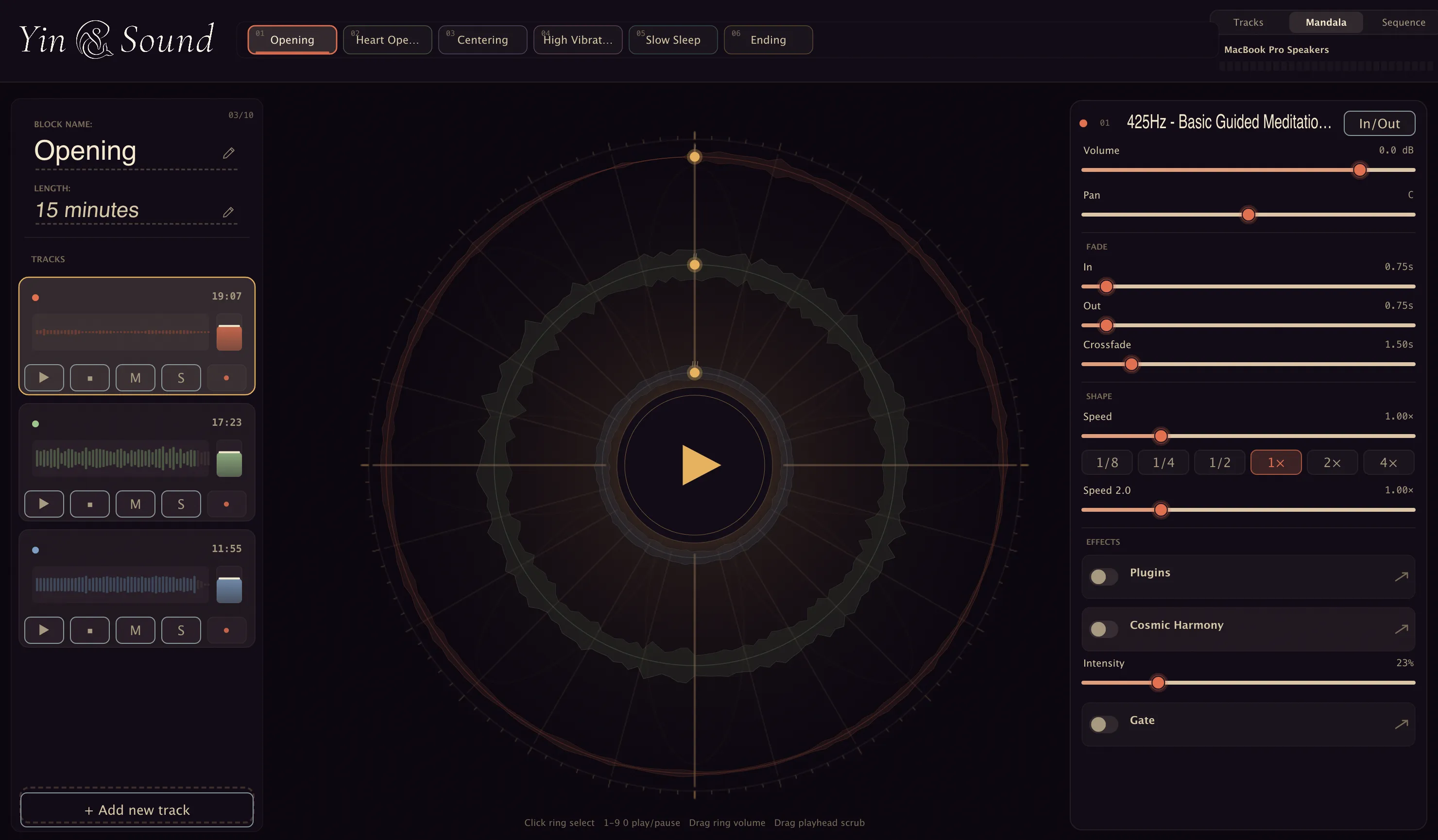
The Mandala · performance view
It came out of a need to be more expressive — audio and music wise. To have full control over an ambient bed, and the freedom to weave musical elements and backing tracks into every session.
So who’s it for?
Pre-build a class arc and move through it hands-free, from a calm full-screen player.
Layer bowls, gongs, drones and voice into a living, seamless bed you shape in real time.
A performance surface for slow music — octave stacks, reversed textures, generative harmony.
Long-form beds for meditation, breathwork and ceremony — fifteen minutes to well past an hour.
… and anyone shaping long, living sound.
A vertical list of loops — each with its name, a live waveform, a volume fader, and record-arm, play, mute and solo. Where you stack and shape the sound.
Your loops become concentric rings around a central play button. Drag a ring to set its volume, drag the orbiting dot to scrub. Each ring breathes with the audio — made to be looked at in a quiet room.
The whole class or ceremony as a row of connected blocks, with a flowing path between them and the total running time always in view.
One recording becomes a deep sub-drone or a shimmering octave layer — without ever touching a grid.
Play a loop from an eighth-speed up to four times, continuously, with one-tap octave presets. Pitch follows speed — no time-stretch, no artefacts.
Flip any loop to play in reverse in real time, with a seam-aware crossfade so it still loops without a click.
A slow, biased random walk in volume — not an LFO, never periodic. It behaves like weather, rain easing in and out, making a static loop feel alive.
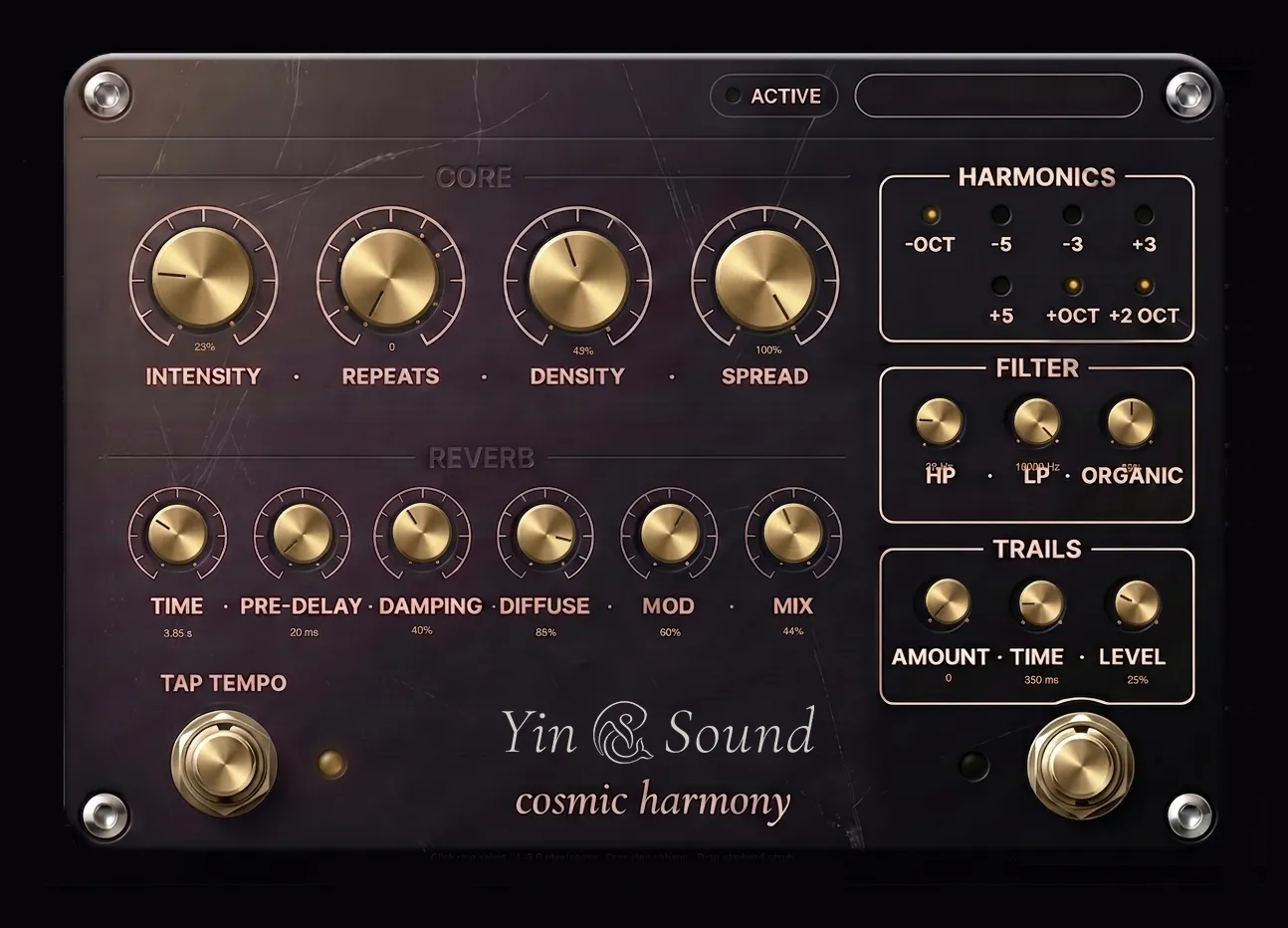
A generative processor that turns any track into an evolving harmonic world. Instead of a constant wash, it speaks in phrases — sitting quietly, then a cluster of pitched echoes swells in, drifts across the stereo field, and fades, like a far-off voice answering itself.
Arpeggiated, conversational phrases — never a static chord.
Micro-detuning, vibrato, ~1-in-5 voices in reverse, a 14-second breathing filter.
Studio-grade Dattorro plate — time, pre-delay, damping, diffuse, mod, mix.
−octave, −5th, −3rd, +3rd, +5th, +octave, +2 octaves.
Lay out your session as timed blocks — each a self-contained mini-composition with its own loops and effects. Set each one’s length in minutes, drag to reorder, and move through them with a single tap while you teach. It ships with a six-block starter session:
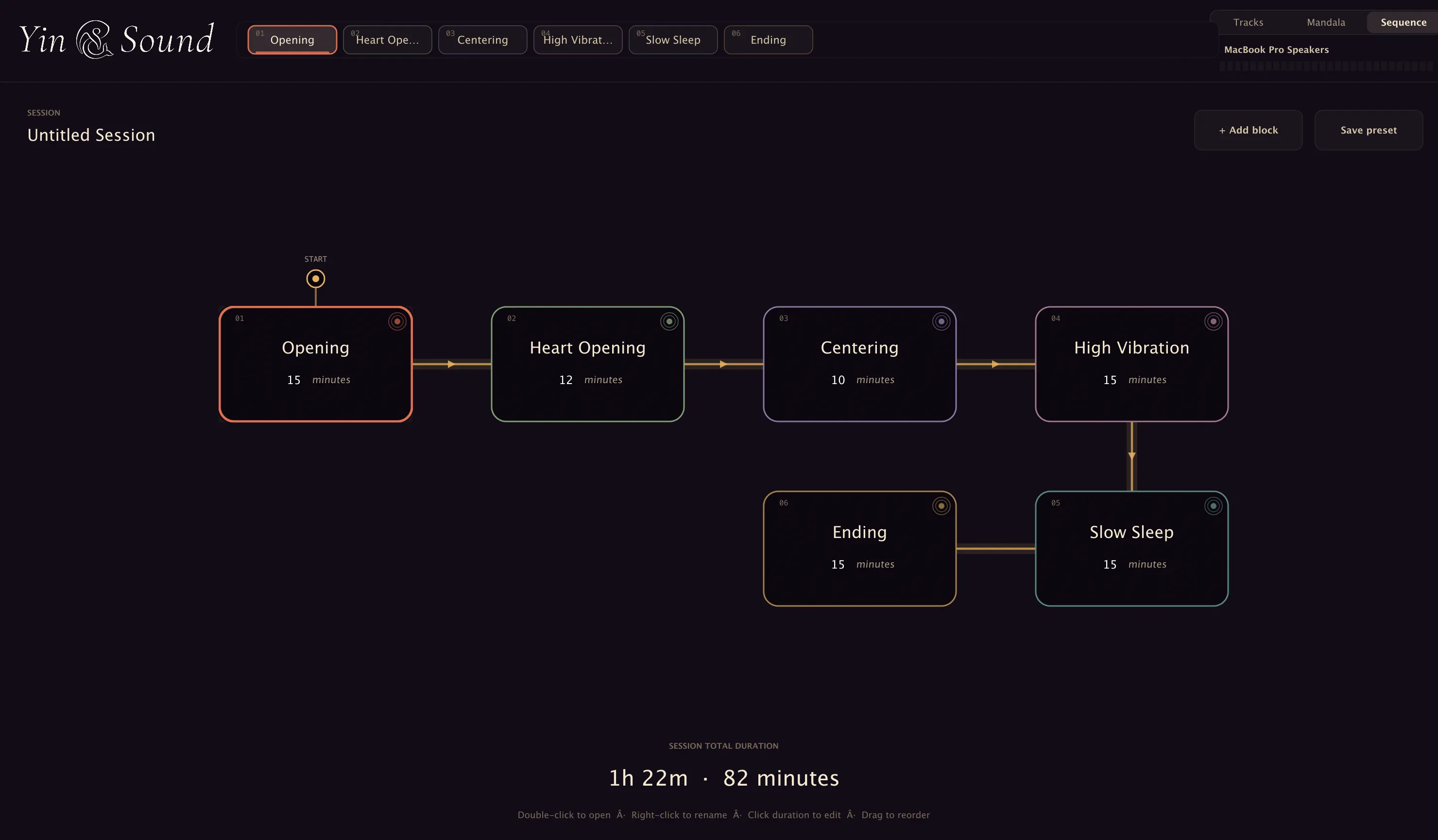
The Sequence · the whole session at a glance
Record from any input, arm and punch in across multiple tracks. Empty tracks cost nothing — memory allocates on first record.
WAV, AIFF, FLAC and Ogg. Files over five minutes stream from disk, so hour-long sources never fill your RAM.
An equal-power crossfade at the seam — forward or reversed, even on disk-streamed files. Trim a loop without losing the take.
Click-free fade-in and fade-out envelopes on every loop, plus volume, pan, mute and solo.
Drop your own plugins into each track’s insert chain. Built-in plugin manager, auto-scan and a blacklist for copy-protected plugins.
Waveform thumbnails are cached to disk, so re-importing the same file is instant.
Save every block, track, parameter and plugin to a single project file, and pick up exactly where you left off.
A real-time-safe engine, a master limiter on the output, and audio that survives switching device mid-session.
Space to play, R to record, number keys to fire loops — perform without reaching for the mouse.
Every knob, slider and meter is custom-drawn — no generic widgets — set in Cormorant Garamond and rendered on the GPU for a quiet, Retina-smooth surface.
Candlelit indigo-aubergine temple, brass accents. The default.
A warm vintage tape-machine palette.
The light theme — warm beige and dark ink.
Curated sessions, source loops — bowls, gongs, field recordings, pads — and effect presets.
Starter sessions across more traditions of practice.
New reverb and effect types beyond the current plate.
iOS, iPad and Android versions, so the practice travels with you.
Mandala Sessions is in early access today. When it launches, you’ll choose the model that fits how you work — both come with the app and the core audio packs.
Own your copy outright, with the basic audio packs to get you started.
Everything, always — every expansion pack included for as long as you subscribe.
Mandala Sessions is in early access (version 0.1) for macOS. Tell us about your practice and we’ll be in touch when your build is ready.